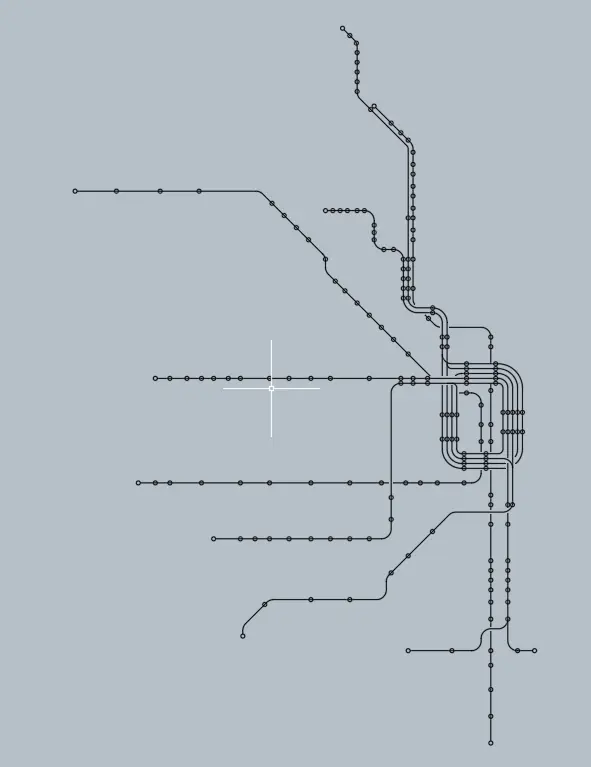
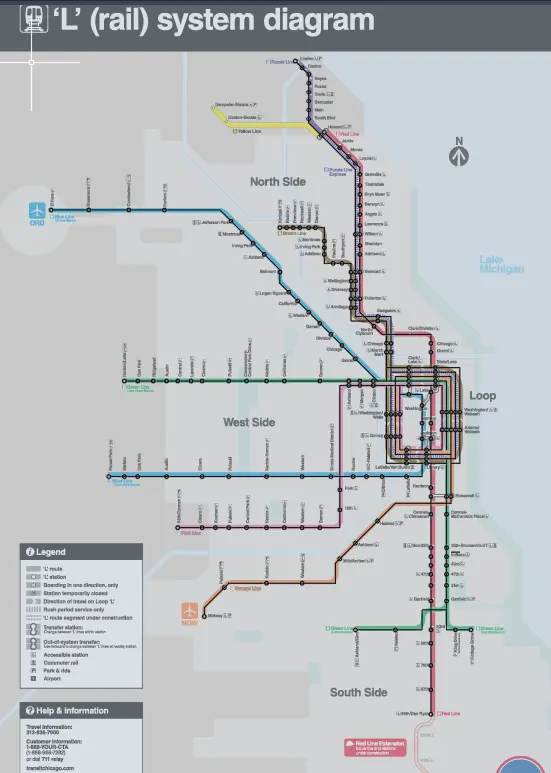
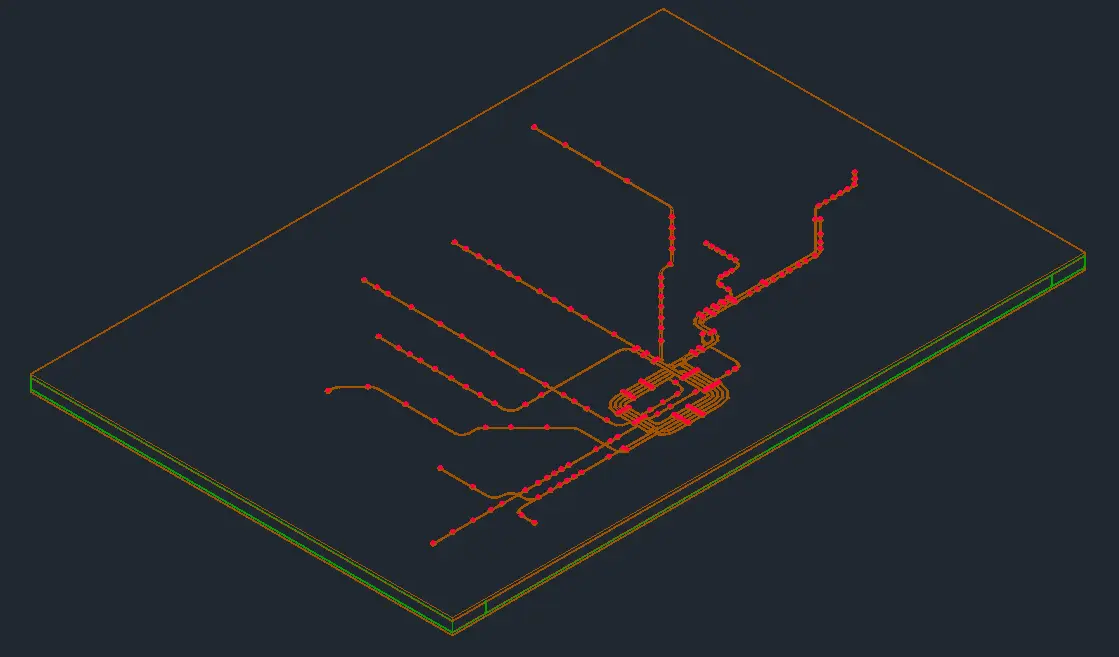
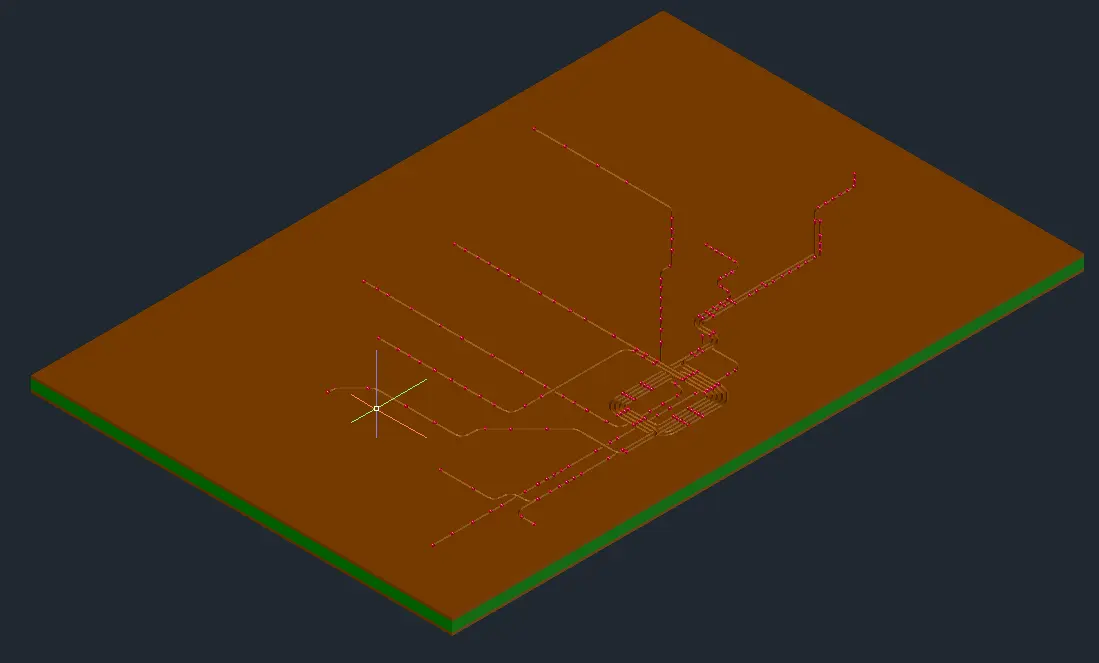
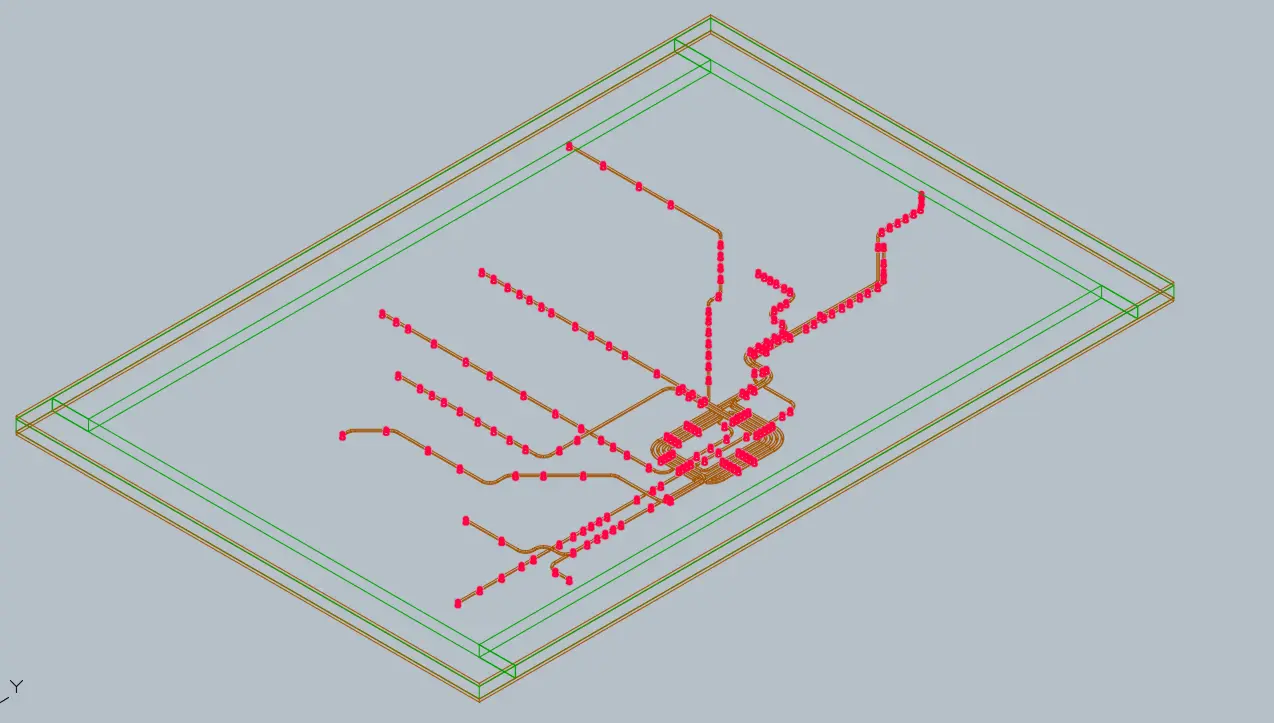
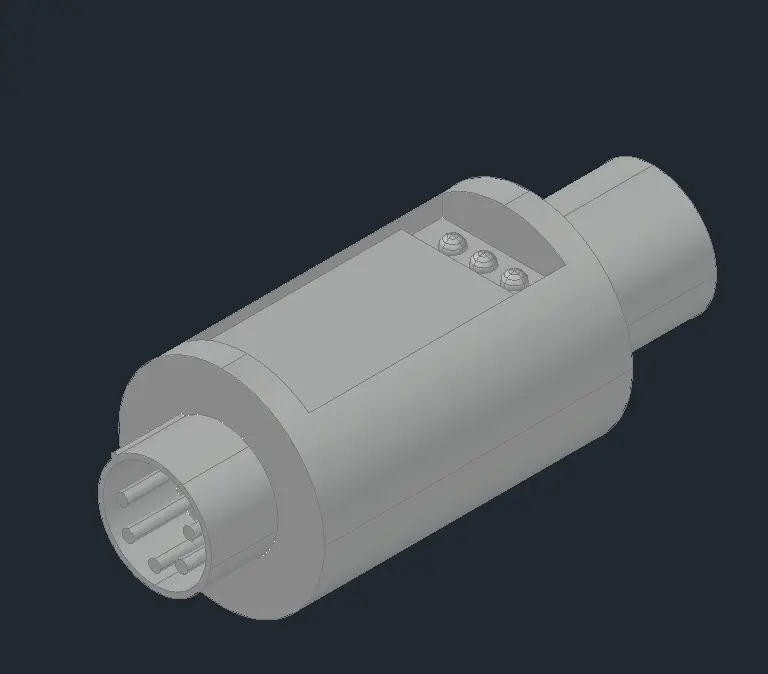
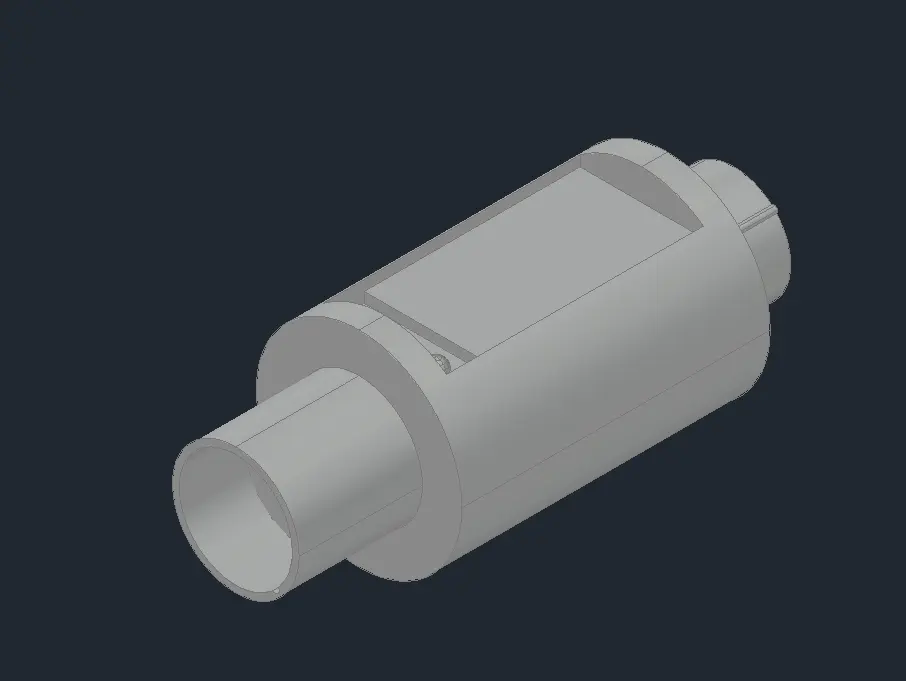
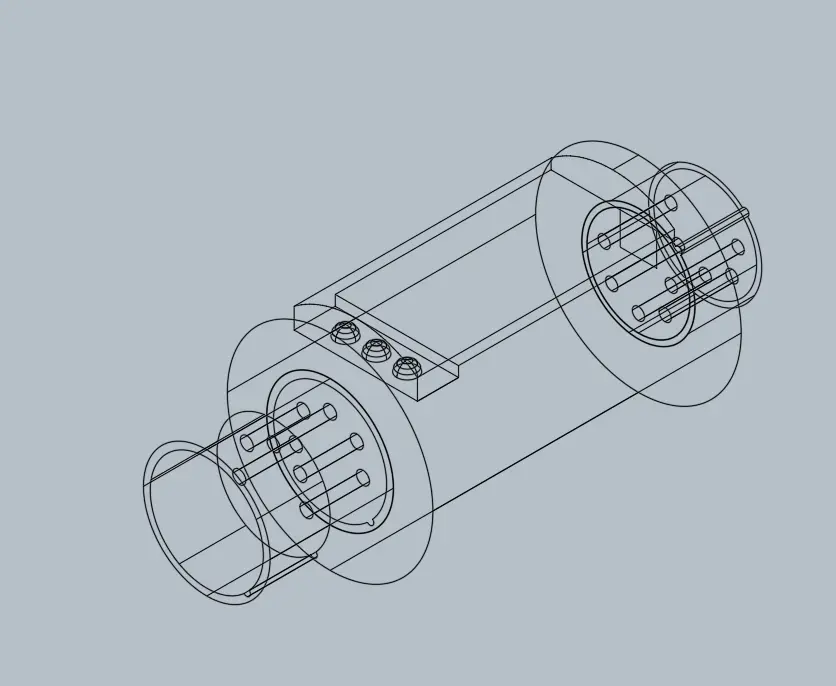
For modeling I chose to make a model of the CTA with leds for each stop, I chose this to get a bit more familiar with Autocad in 3d now and because this gives the oppertunity for many different ways to display it on this website. to model this I took a PDF of the CTA as an underlay in Autocad then over that drew all the geometery, this was made with different scales used because as I found out map they use is not consistant in really any dimensions so I also fixed that. taking this chart of lines I added fillets for the corners and a bunch of circles so all loop trains use the same common diameter. after cleaning up all the lines I swept through with a simple triangle to mimic what a cnc would look like, then removed holes for all the indivudial leds after making a quick LED model I took that and copied it over to each hole so that it was pushed through the back of the hole. then after adding some 1x3 SPF supports on each side and a backing of 3/16 RevPly it was done.
this week lots of new things were added to the website, over the course of 20+ new commits, new effects were added to the buttons on the home page. Additionally over this week I decided to learn three.js and start teaching myself blender to take better control over gltf files. Over the course of too many bug fixes I lost most of my sanity but in the end I really like how it turned out and in turn I also understand three.js for future projects. Once again all work this week was made without any generative AI assistance, the choice to read documenetation instead of chatgpt may be a lot harder but, I have a much better understanding of all the bugs I introduced and why they broke my website. The path I have chosen to take of using no AI for this class I am now feeling the effects of it and I know that learning things take a lot longer and is going to make this all a lot harder. However I feel that it is making me a better programer to not rely on AI help.